

Category: Setup Guides
Tags: Work From Home, Minimalist Design, Budget Friendly, Smart Living
The Quick Answer
A productive home office doesn’t require expensive equipment. We’ve tested the essential combinations that deliver results at every budget.
Essential Categories
1. Desk Setup
Minimum viable:
- Any stable surface at proper height
- Monitor at eye level
- Chair with lumbar support
Recommended upgrade:
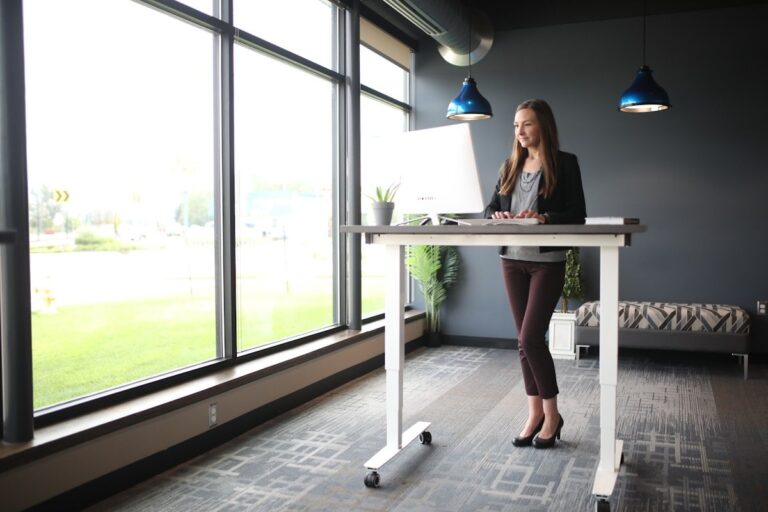
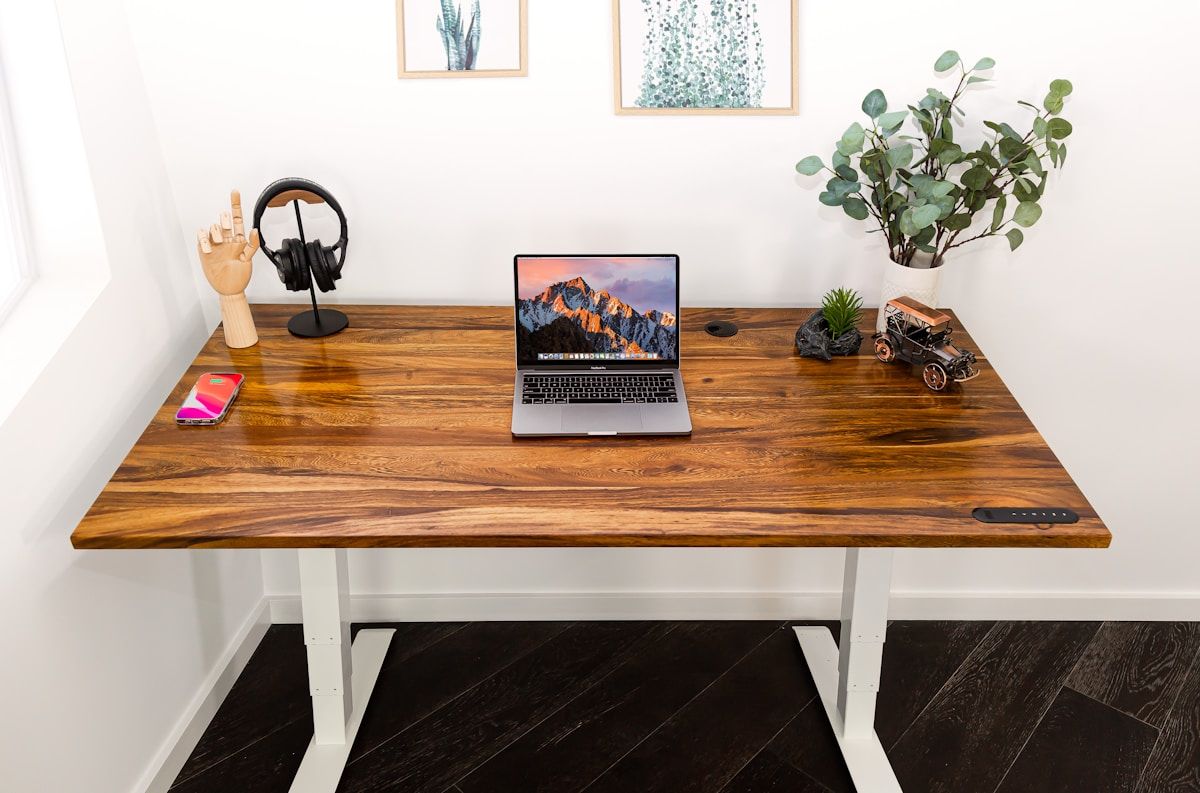
- Adjustable standing desk
- Monitor arm
- Cable management
2. Audio
Minimum viable:
- Wired headphones
- Built-in microphone
Recommended upgrade:
- USB microphone (Shure MV7 or Blue Yeti)
- Speakers for meetings without headphones
3. Lighting
Minimum viable:
- Window access
- Basic desk lamp
Recommended upgrade:
- Task light with color temperature control
- Bias lighting for monitor
4. Internet
Minimum viable:
- 25 Mbps upload/download minimum
- Wired connection for desktop
Recommended upgrade:
- Mesh WiFi system
- Ethernet for critical devices
Budget Tiers
Under $200 Complete Setup
- Desk: Repurposed table or $50 basic desk
- Chair: Used Herman Miller or Steelcase from Facebook Marketplace
- Lighting: $20 desk lamp
- Audio: $30 wired headphones
- Internet: Existing connection
$500-$1000 Optimized Setup
- Standing desk: $400
- Quality chair: $150
- Task light: $50
- Webcam: $80
- Microphone: $80
The Bottom Line
Start where you are. Upgrade based on pain points. The most expensive setup means nothing without consistency.
Frequently Asked Questions
Q: What’s the most important investment for a home office?
A: Chair quality. You sit in it 8 hours daily. A $50 chair causes problems a $500 chair prevents. Invest in your seating first.
Q: Do I need a dedicated office room?
A: No. A dedicated corner or even a well-set-up desk in a bedroom works. The key is consistency—not square footage.
Q: What internet speed do I really need?
A: 25 Mbps minimum, 100 Mbps ideal for video calls and cloud work. Wired Ethernet always beats WiFi for reliability.
Q: Is a 4K monitor necessary?
A: No. A quality 1080p monitor from a reputable brand (Dell, LG, ASUS) works excellently. Resolution matters less than color accuracy and ergonomics.
Q: How often should I take breaks?
A: Every 45-60 minutes. The Pomodoro technique (25 min work, 5 min break) works well. Stand, stretch, move—your body will thank you.